
Table of Contents
- Start With a Personal Health Data Audit
- HIPAA Privacy Rule Explained: What It Covers and What It Doesn't
- Lock Down Access: Authentication and Device Security
- The Risks of Health Tracking Apps and Wearables
- How to Secure Private Health Data During Telehealth Visits
- How to Report a Health Data Breach and Request an Audit
- Frequently Asked Questions
Last Updated: September 25, 2026
Start With a Personal Health Data Audit
You can't protect what you haven't mapped. Learning how to secure private health data starts with a simple audit of every place your health information lives. Most people are surprised by how long that list gets.
Inventory Every App, Portal, and Device
Grab a notebook and list everything that touches your health data:
- Insurance portals and enrollment accounts
- Period and fertility tracking apps
- Telehealth visit platforms
- Wearables like fitness bands and smart rings
- Pharmacy and prescription accounts
- Provider patient portals
- Home diagnostic kit apps
Set Your Personal Data Rules
Once your list is complete, decide your rules. A common approach is the "need to know" rule: if an app doesn't need a detail to work, don't give it.
- Use initials instead of full names where possible
- Skip optional fields like employer or income
- Turn off ad tracking in every app
- Delete accounts you no longer use
HIPAA Privacy Rule Explained: What It Covers and What It Doesn't
HIPAA is not one rule. It is a set of federal standards enforced by the HHS Office for Civil Rights, and knowing which piece applies tells you what protection you actually have.
- Privacy Rule, limits how covered entities use and disclose your protected health information (PHI).
- Security Rule, requires administrative, physical, and technical safeguards for electronic PHI.
- Breach Notification Rule, requires covered entities to notify you after a breach of unsecured PHI.
- Transactions and Code Sets Rule, governs how claims and payment data move electronically.
What HIPAA Gives You With Covered Groups
- Right of access, you can request a copy of your records, and covered entities generally must provide them within 30 days.
- Right to amend, you can ask for corrections to inaccurate or incomplete information.
- Right to an accounting of disclosures, you can ask who your information was shared with, in limited circumstances.
- Right to request restrictions, you can ask a provider not to share certain information, though they are not always required to agree.
- Right to confidential communications, you can ask to be contacted at a specific phone number or address.
- Right to file a complaint, with the covered entity and with the HHS Office for Civil Rights.
Where HIPAA Stops
| Source Type | Covered by HIPAA? | What That Means for You |
|---|---|---|
| Doctor or hospital | Yes | Strong legal protections apply |
| Health insurer | Yes | Limits on sharing your data |
| Billing or cloud vendor with a BAA | Yes | Bound as a business associate |
| Period tracking app | Usually no | Check the privacy policy yourself |
| Fitness wearable | Usually no | Data may be sold or shared |
| Telehealth platform | Sometimes | Depends on the provider and whether a BAA is in place |
For the official details, see the HHS guidance on the HIPAA Privacy Rule.
Lock Down Access: Authentication and Device Security
Strong access controls stop most breaches before they start. If someone can't log in as you, they can't read your records.
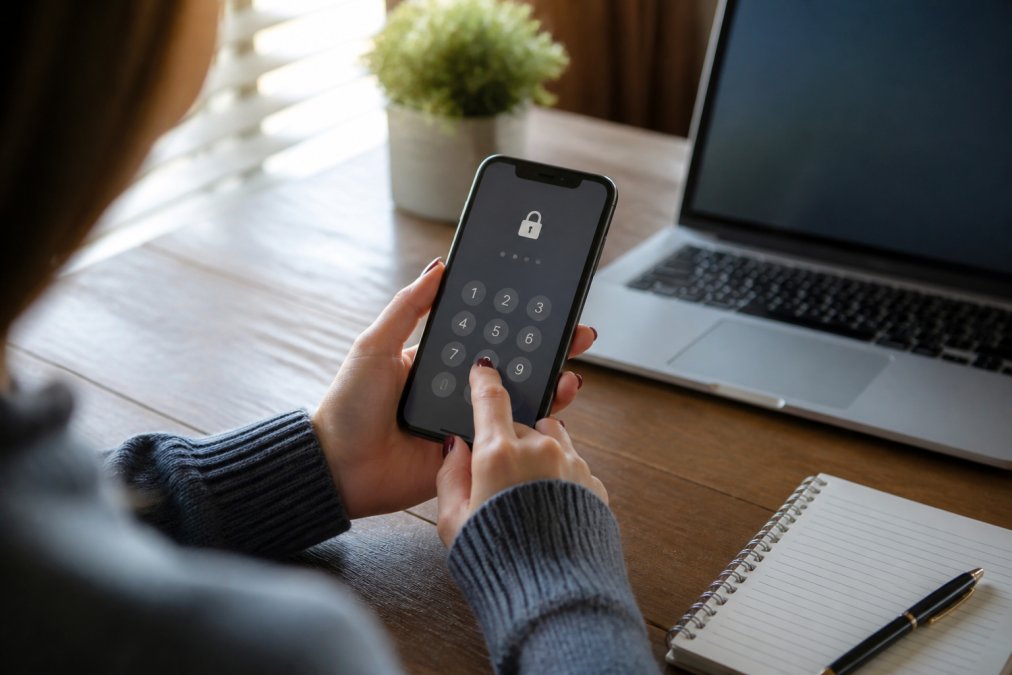
Strong Passwords and Multi-Factor Authentication
Multi-factor authentication (MFA) adds a second check beyond your password. It blocks the most common attacks, like stolen passwords and phishing.
- Use a password manager to create long, unique passwords
- Turn on MFA everywhere it's offered
- Never reuse a password across health and banking accounts
- Avoid texting codes when an authenticator app is available
Securing Your Phone and Laptop
Your devices hold the keys to everything else. Treat them like a wallet full of cards.
- Set a six-digit passcode or biometric lock
- Turn on automatic updates
- Encrypt your device storage
- Log out of health portals on shared computers
- Use a privacy screen in public spaces
The Risks of Health Tracking Apps and Wearables
Health apps and wearables collect more than you expect. Steps, sleep, cycle dates, heart rate, and location can all be logged and shared.
Your protection comes down to three habits:
- Read the privacy policy before you sign up
- Limit permissions to the minimum
- Delete apps you no longer use
IoT and Wearable Device Security
Wearables and smart devices are a growing weak point. A fitness band, smart scale, or connected monitor often has weak default settings and rarely gets updates.
- Change the default password on any connected device
- Turn off Bluetooth when you're not syncing
- Check for firmware updates monthly
- Avoid cheap devices with no security support
AI-Driven Privacy Risks in Health Apps
AI features in health apps create new risks. Chatbots and symptom checkers may store what you type, and that text can include sensitive details.
- Avoid entering full symptoms into a chatbot you don't trust
- Check whether the app trains its AI on your data
- Look for a clear opt-out option
- Keep detailed logs in a private note instead
How to Secure Private Health Data During Telehealth Visits
Telehealth visits add convenience and a new set of risks. A few habits keep your appointment private from start to finish.
- Join from a private room, not a coffee shop
- Use your own Wi-Fi, not public networks
- Check the platform's privacy policy first
- Confirm who else is in the room
- Ask how the visit is recorded and stored
How to Report a Health Data Breach and Request an Audit
You have the right to report a breach and ask questions. Acting fast limits the damage and protects your patient rights.
What Counts as a Breach Under HIPAA
A breach is an impermissible use or disclosure of unsecured protected health information. Covered entities must notify affected individuals without unreasonable delay and no later than 60 days after discovery. If a breach affects 500 or more people in a state or jurisdiction, the covered entity must also notify HHS and the media. Smaller breaches are reported to HHS annually.
If Your Data Is Exposed, Take These Steps
- Change passwords on affected accounts and any account that reused the same password.
- Turn on MFA if it isn't already active.
- Contact the provider or company in writing and ask for the scope of the breach.
- Request a copy of their incident response report and the notification they sent.
- File a complaint with the HHS Office for Civil Rights if a covered entity is involved.
- File a report with the FTC at ReportFraud.ftc.gov if a consumer app or connected device is involved.
- Place a free fraud alert or freeze your credit with the three nationwide credit bureaus if identity theft is possible.
- Watch your accounts and your explanation of benefits for charges you did not receive.
Keep a written record of every message. Dates and names matter if the problem grows.
Data Deletion and Your Right to Be Forgotten
There is no single federal "right to be forgotten" for health data. What you can request depends on who holds the data.
- Covered entities must follow state and federal retention laws. You can request deletion, but they may be required to keep records for a set period.
- Consumer apps and non-covered entities often delete on request, but only if their privacy policy says so. Many do not.
- State law may add rights. California, Colorado, Connecticut, Virginia, and other states with comprehensive privacy laws give residents rights to delete personal data, including health data held by many apps. Check your state attorney general's site for the current process.
How to make a deletion request that actually works:
- Send the request in writing through the company's official privacy contact, not general support.
- Name the specific data you want deleted, account, health logs, device sync data, backups.
- Ask for written confirmation and a deletion date.
- Ask whether the data was shared with third parties and, if so, whether they were told to delete it.
- Follow up in 30 days if you get no reply, and escalate to your state attorney general.
Frequently Asked Questions
What is one way to keep private health information confidential?
One of the most effective steps is to turn on multi-factor authentication for every health app and patient portal you use. This adds a second verification step, like a code sent to your phone, so a stolen password alone is not enough to get in. Pair that with a password manager to create unique passwords for each account, and you close off the most common way private health data gets exposed.
Does HIPAA protect private health information in all digital apps?
No. The HIPAA privacy rule only applies to covered entities like doctors, hospitals, and insurers, plus their business associates. Most consumer health apps, fitness trackers, and wearable devices are not covered, so they can share or sell your data under their own terms. That is why reading the privacy policy before you enter symptoms or cycle data matters just as much as the app's features.
How can I request an audit of who has accessed my medical records?
Under HIPAA, you have the right to request an accounting of disclosures from your healthcare provider or insurer. Send a written request to the privacy officer at the organization, and they must respond within 30 days. The log typically covers disclosures for purposes like treatment, payment, and operations. If you spot access you did not authorize, follow up in writing and keep a copy of every request.
What should I do if my health data is exposed in a breach?
Start by changing passwords on the affected account and any others that share the same login. Then file a complaint with the Office for Civil Rights at the U.S. Department of Health and Human Services, which enforces HIPAA. If the breach involves identity theft risk, place a free fraud alert with the major credit bureaus. Document dates, notices, and any suspicious activity, and consider freezing your credit if the exposure included your Social Security number.
Protecting your health data takes effort, and most tools make it harder than it should be. Eve llc built its platform around that problem, with discreet packaging, an AI quiz that personalizes your care, and insurance policies written in plain language. Our Price Lock Guarantee keeps premiums steady, and flexible payment options let you pause when you need to. Get your free quote and take control of your health data with a company that treats privacy as a promise, not a footnote.